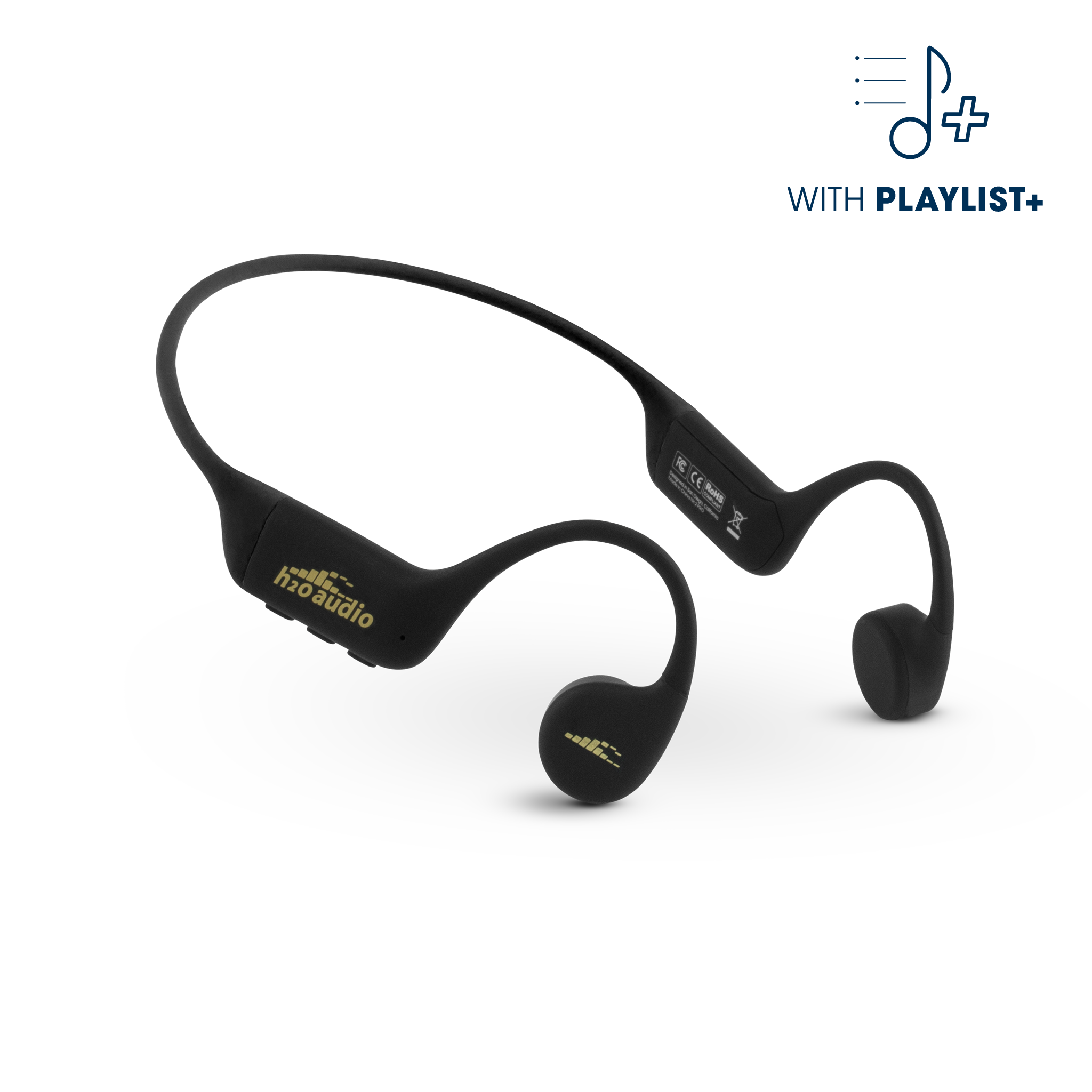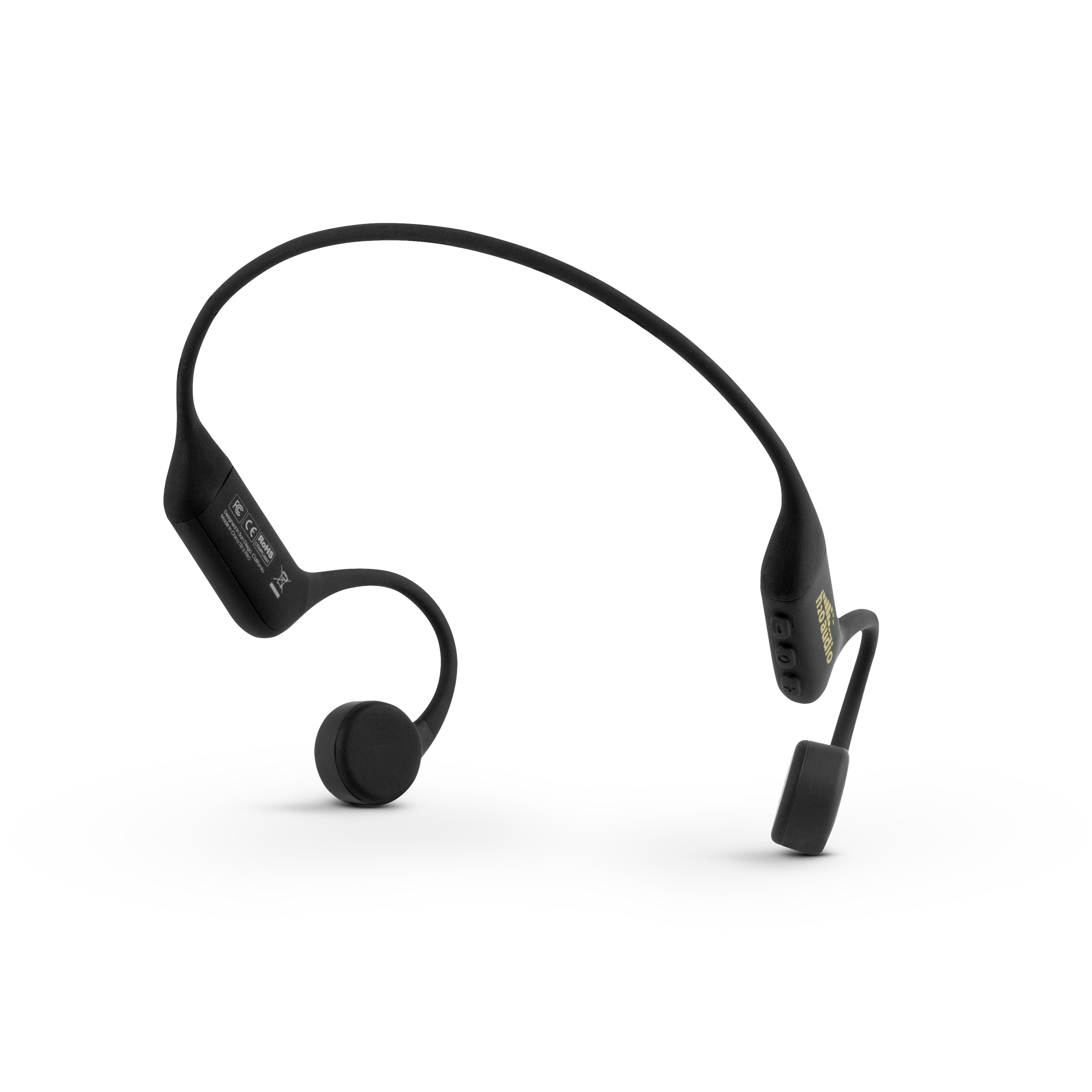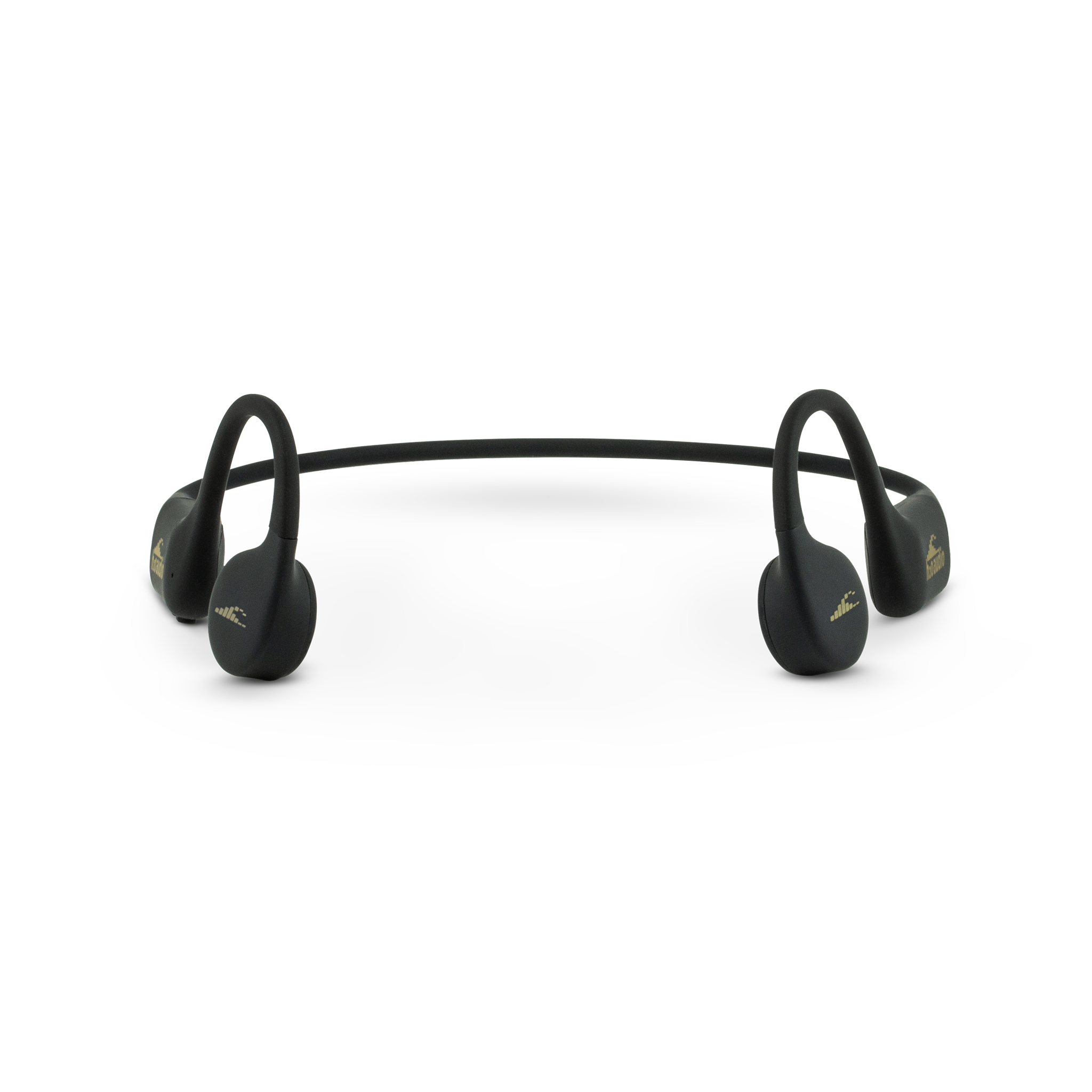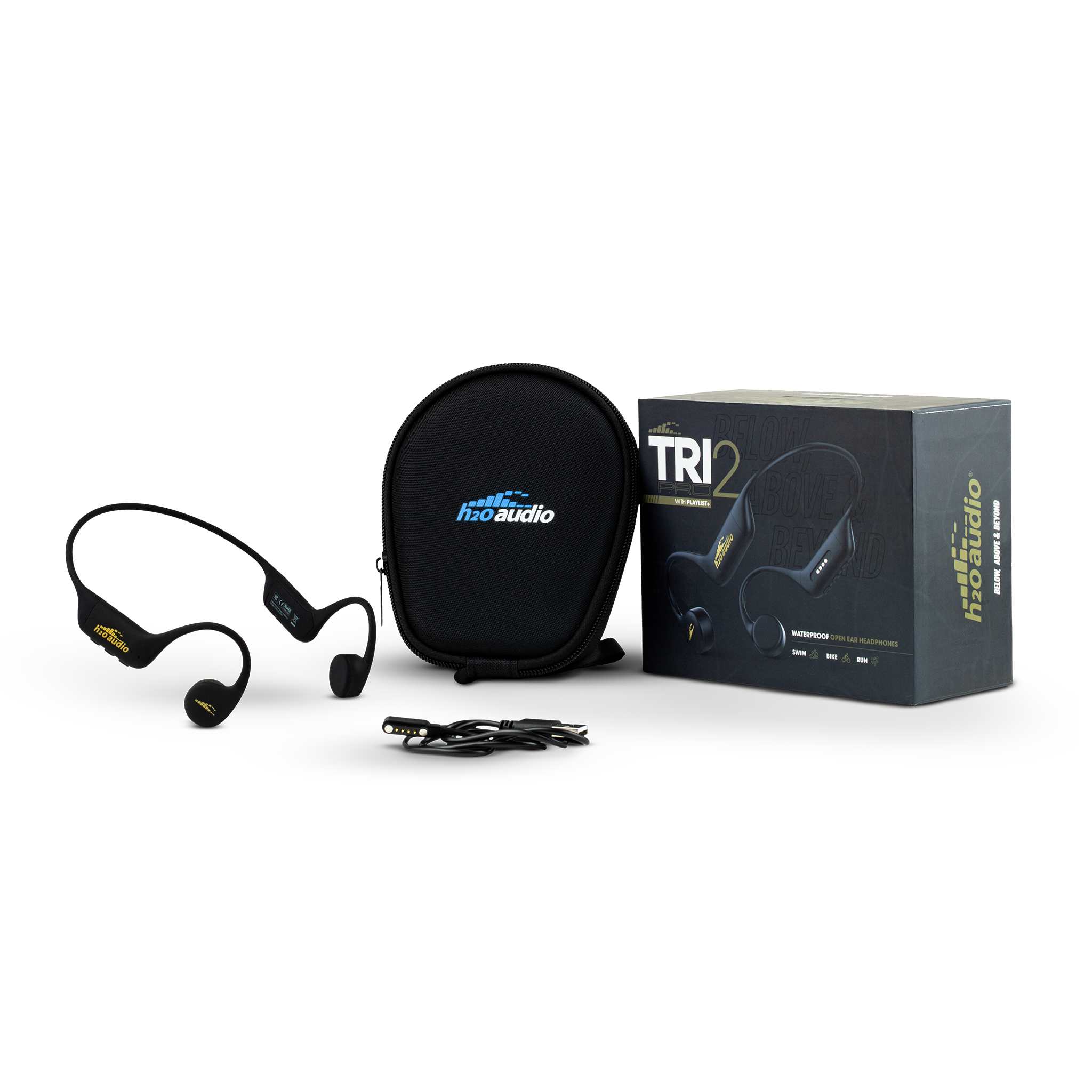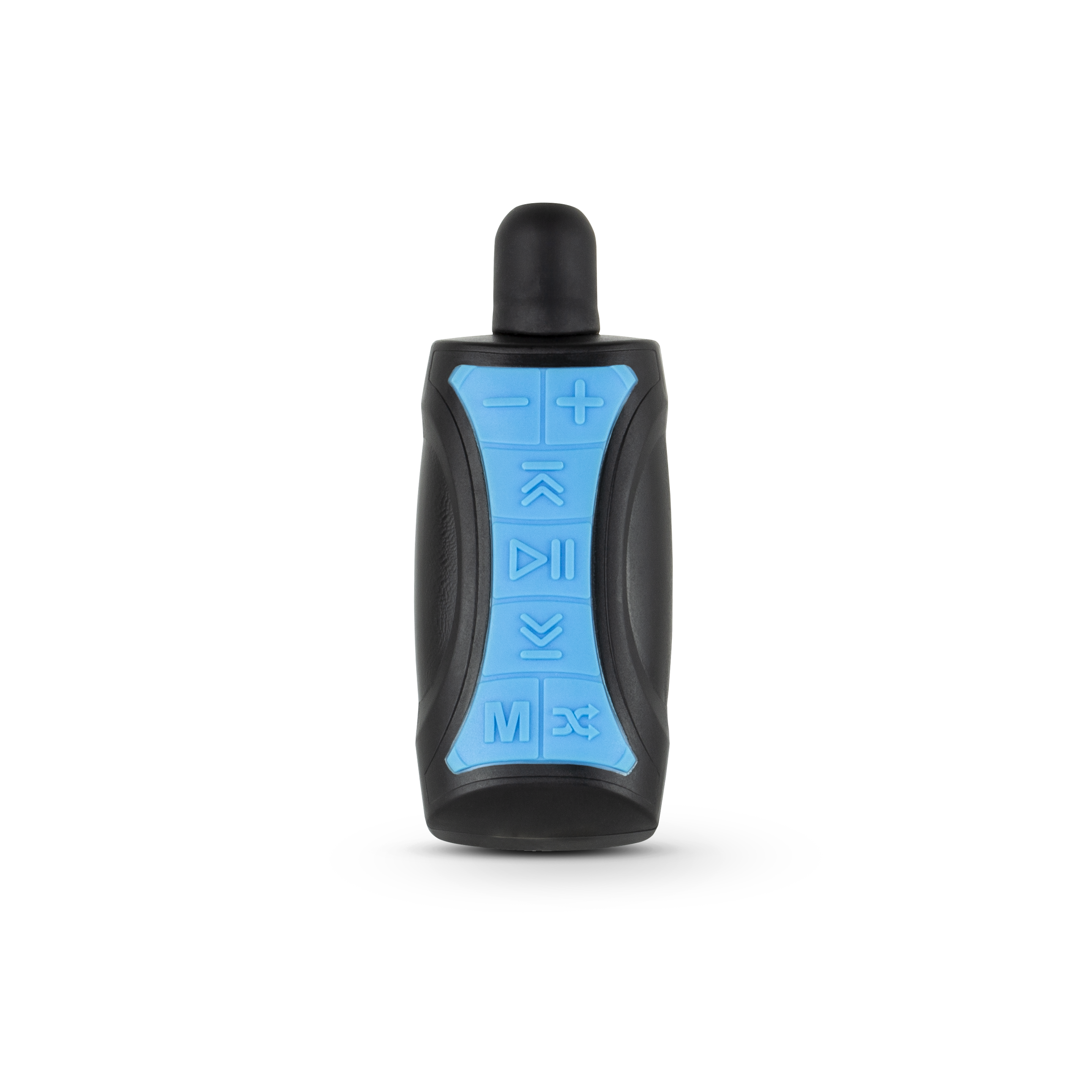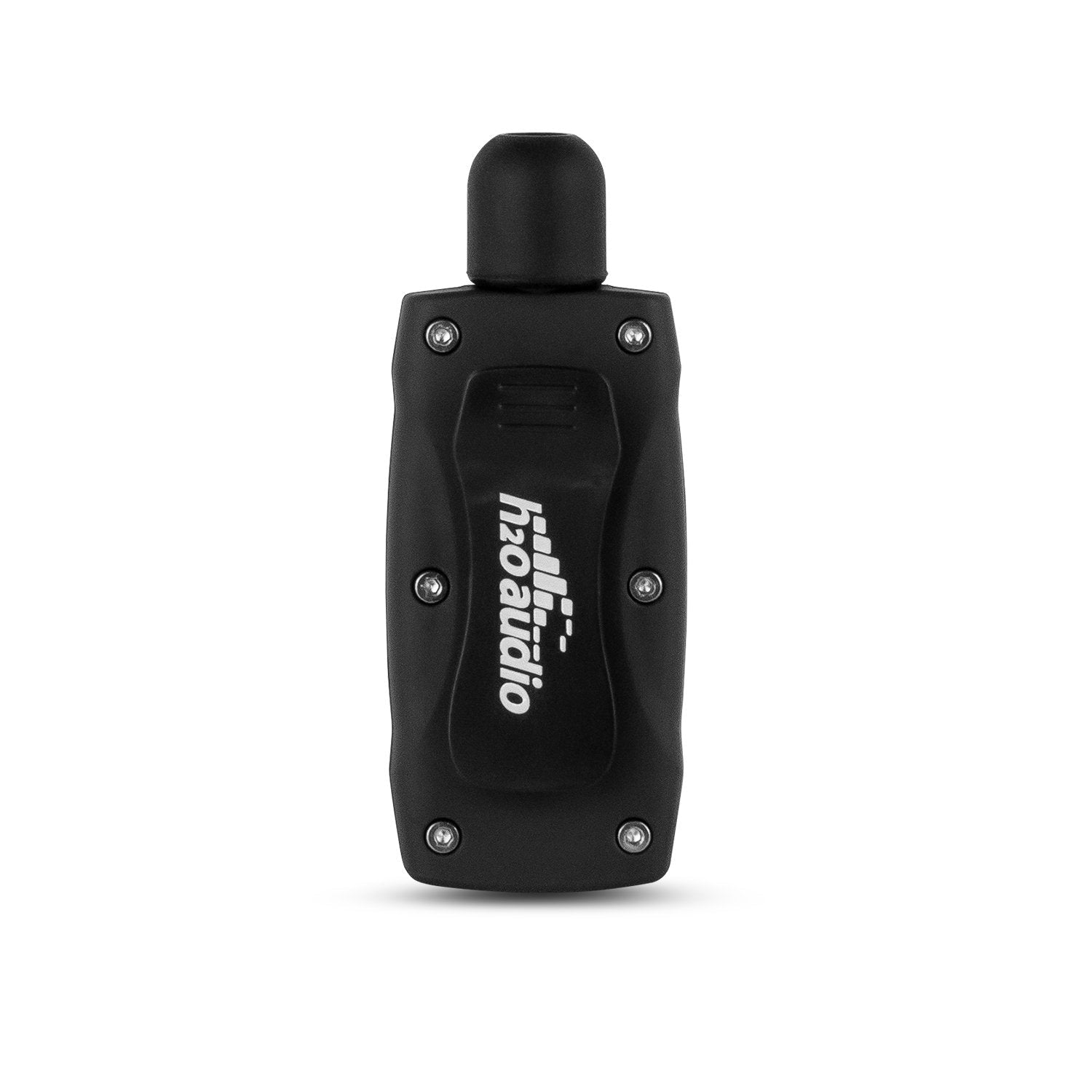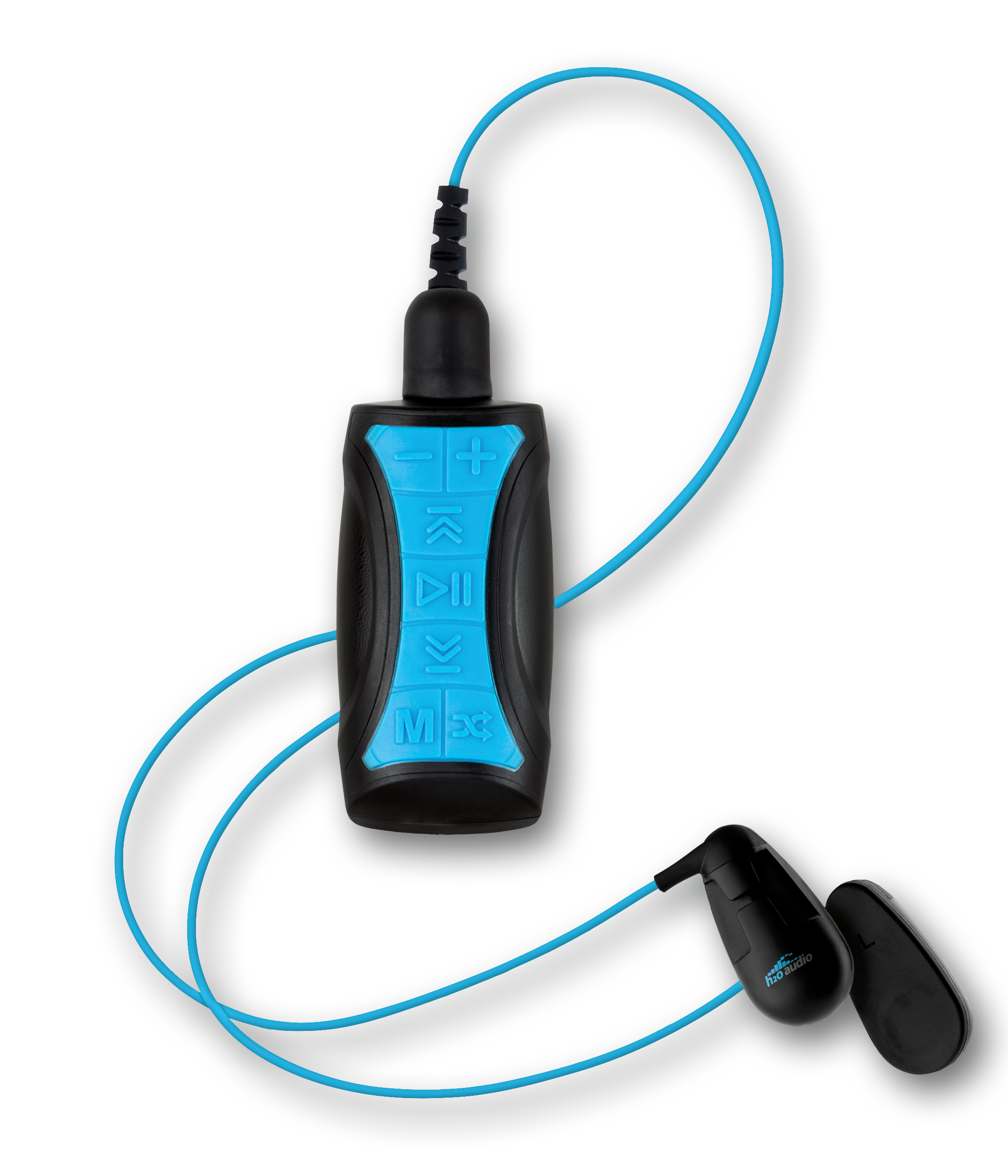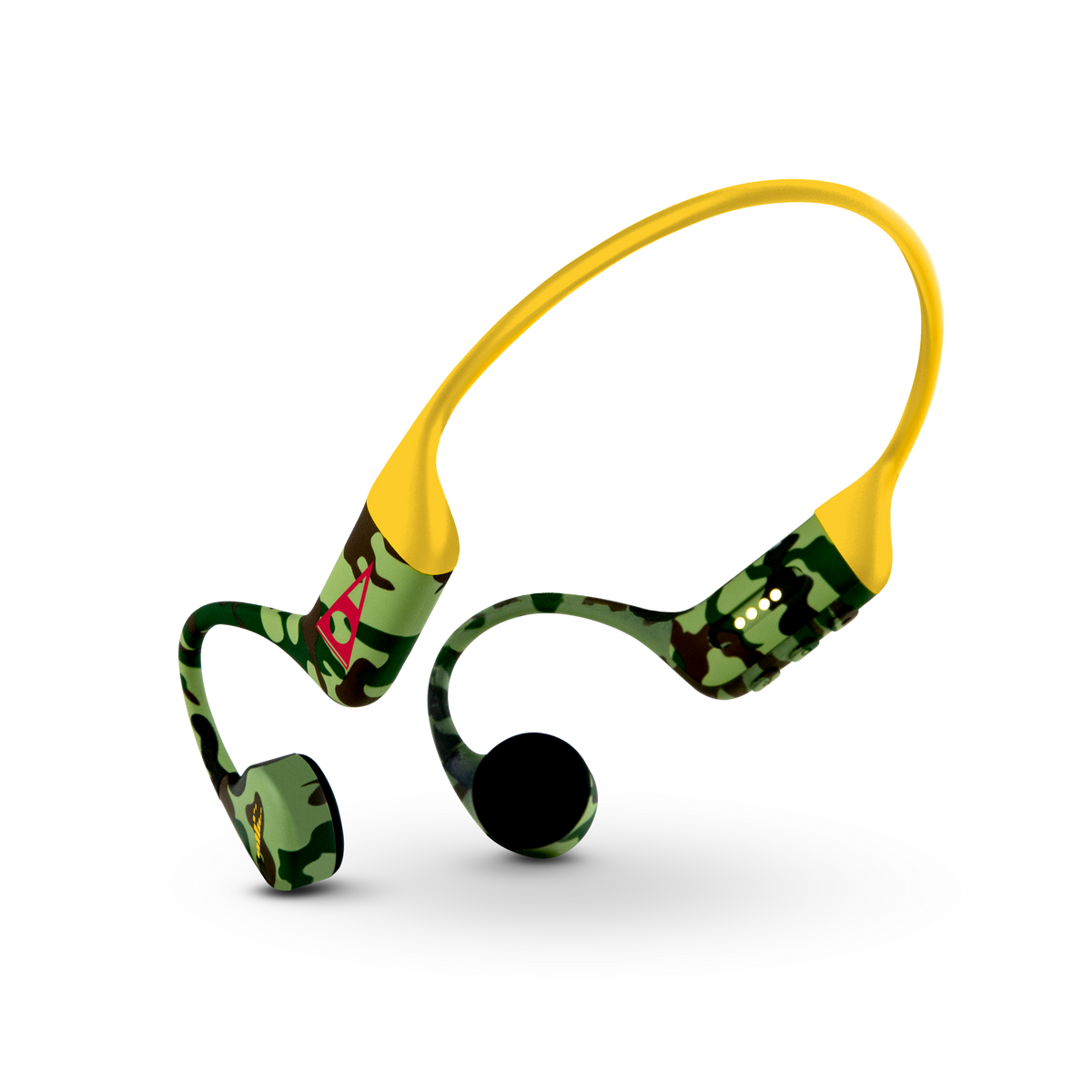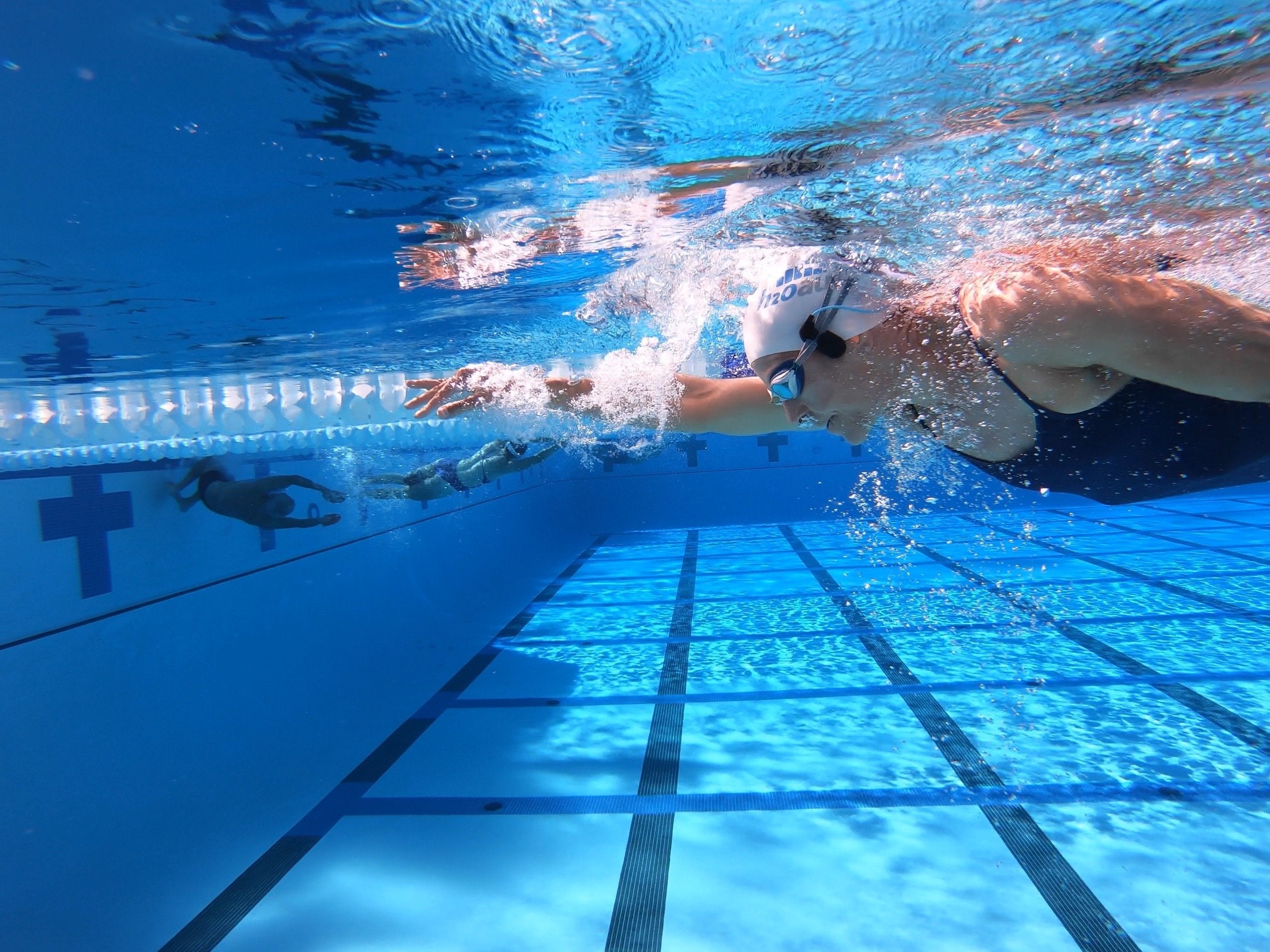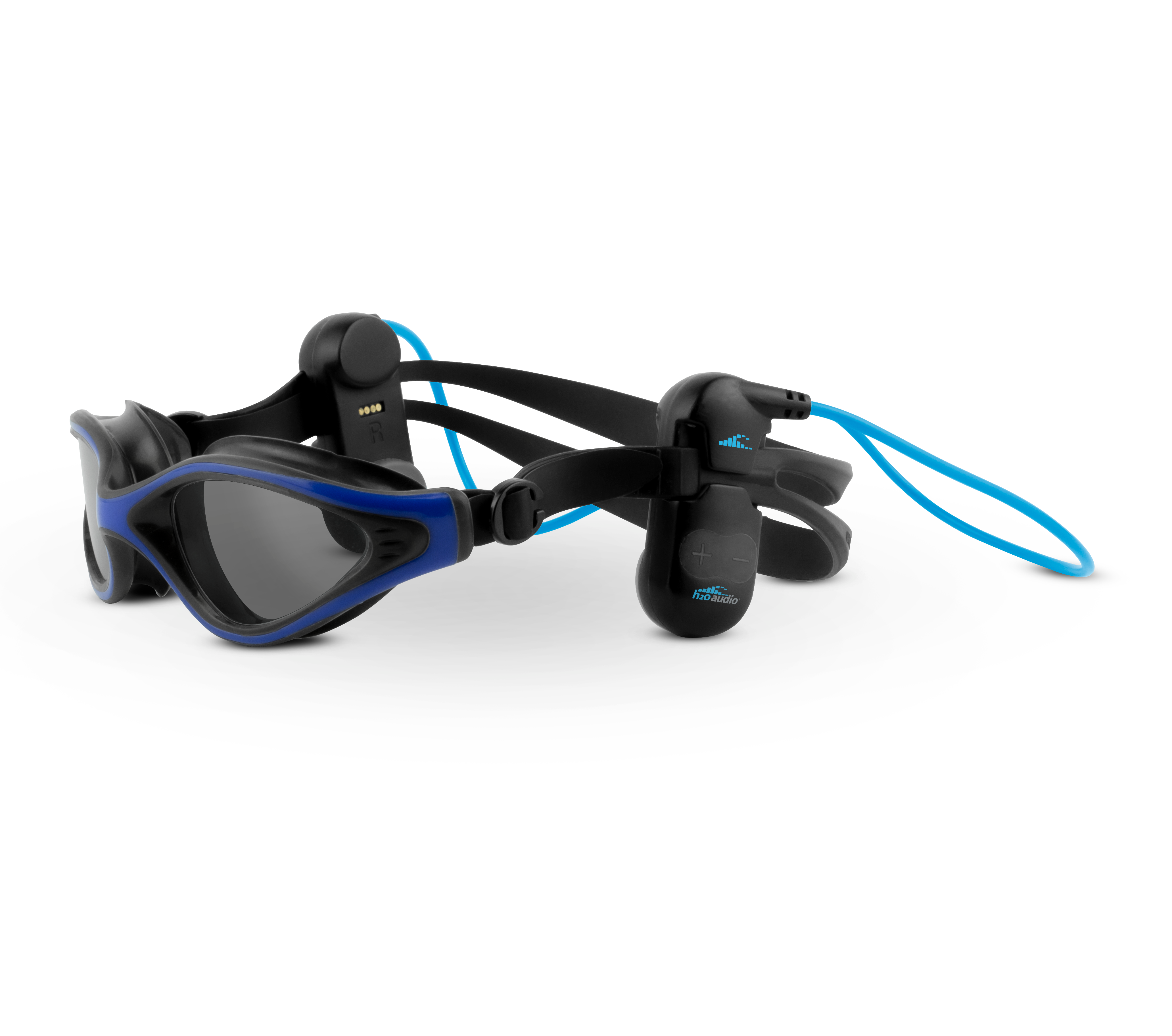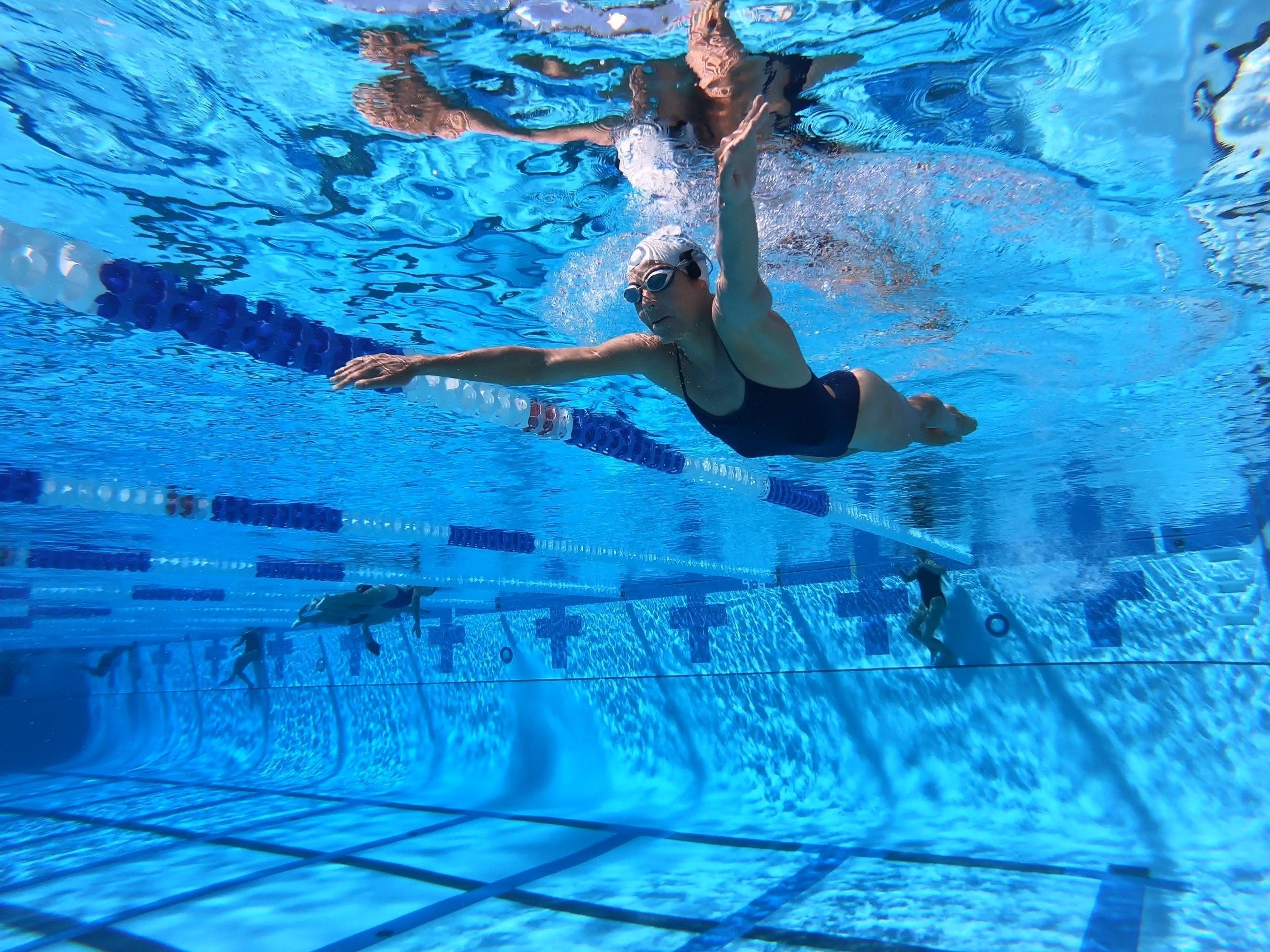




From zero to swimming in four steps.
The whole flow takes about two minutes.

Install the app
Download and open H2O Sync on your Mac or PC. No account, no sign-in.

Plug in
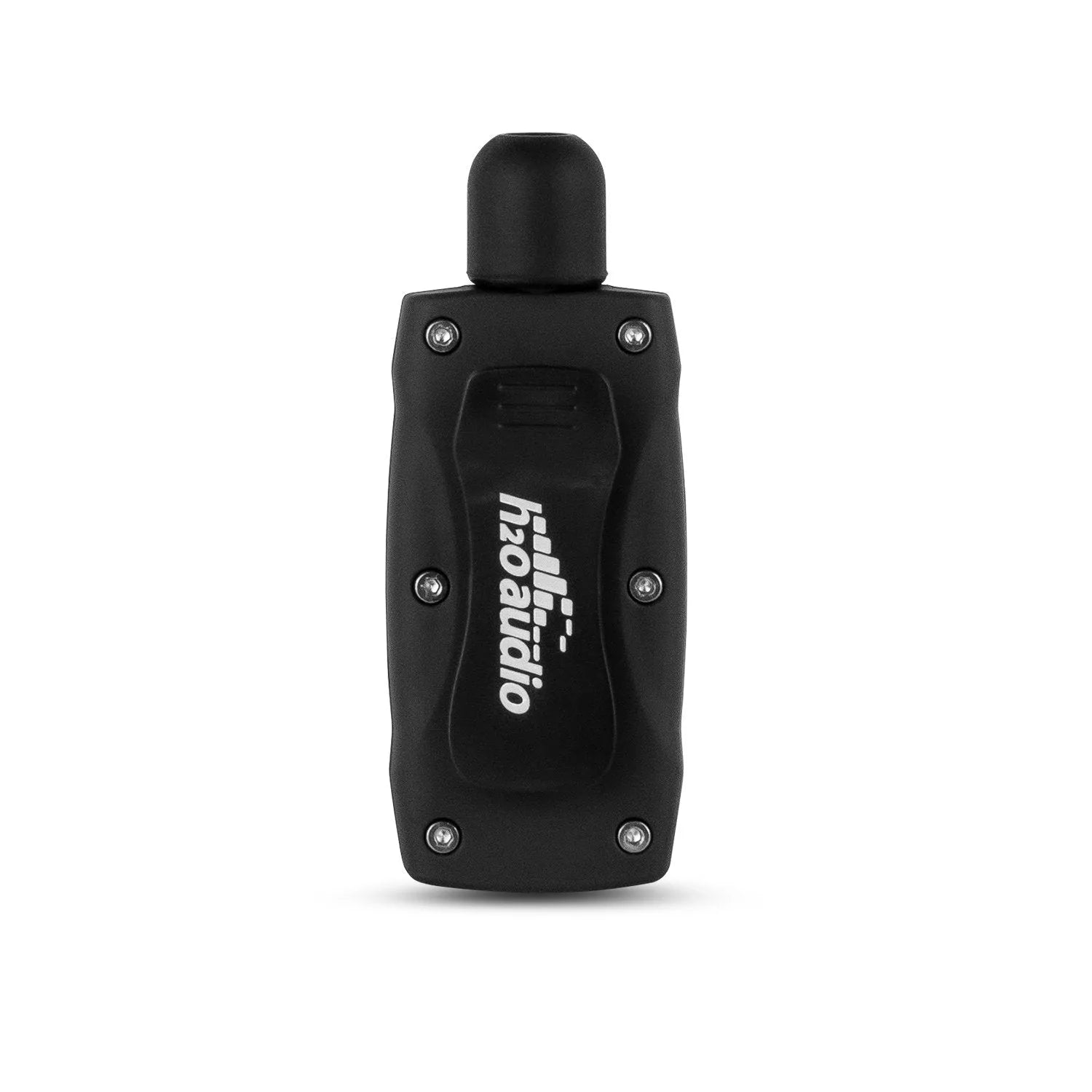
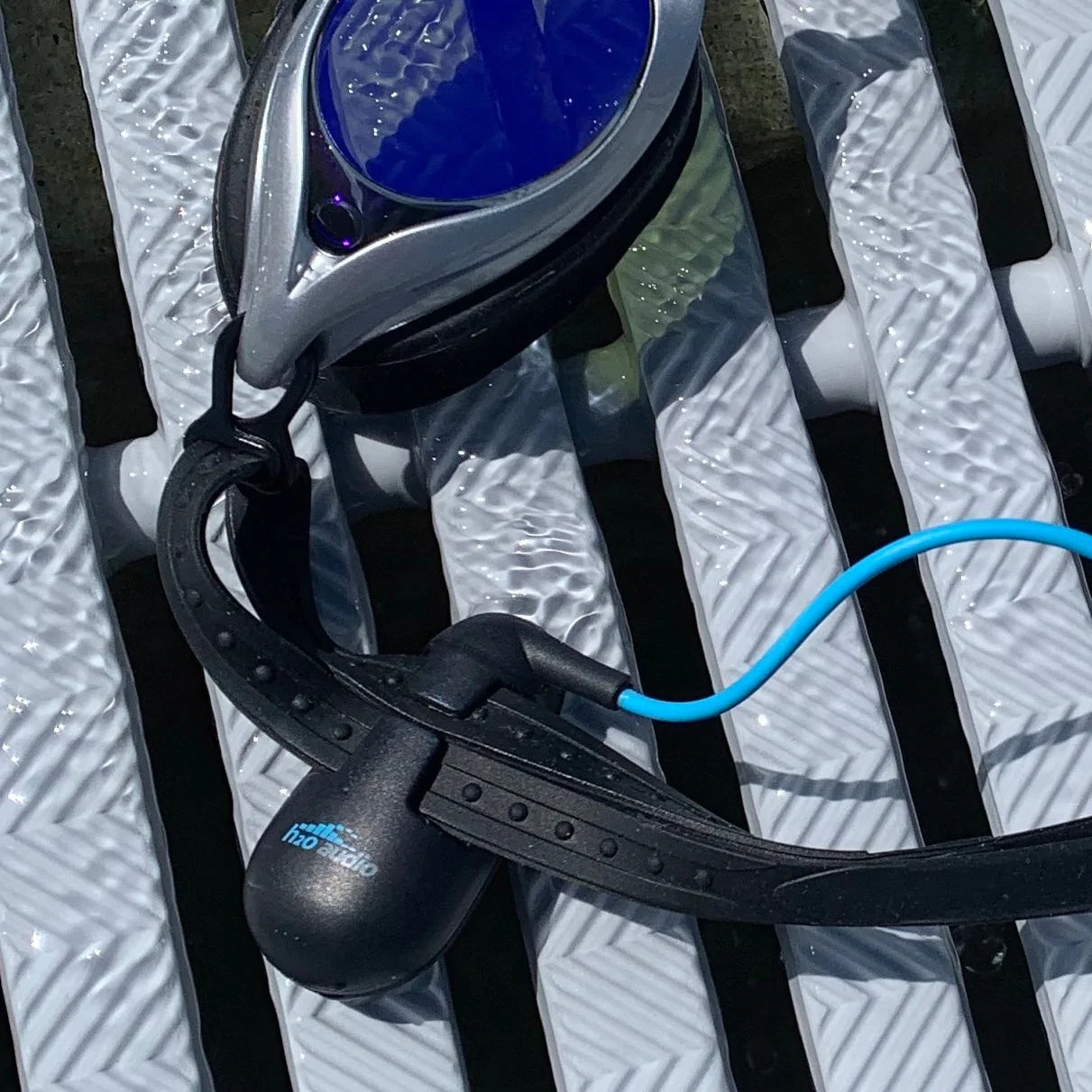
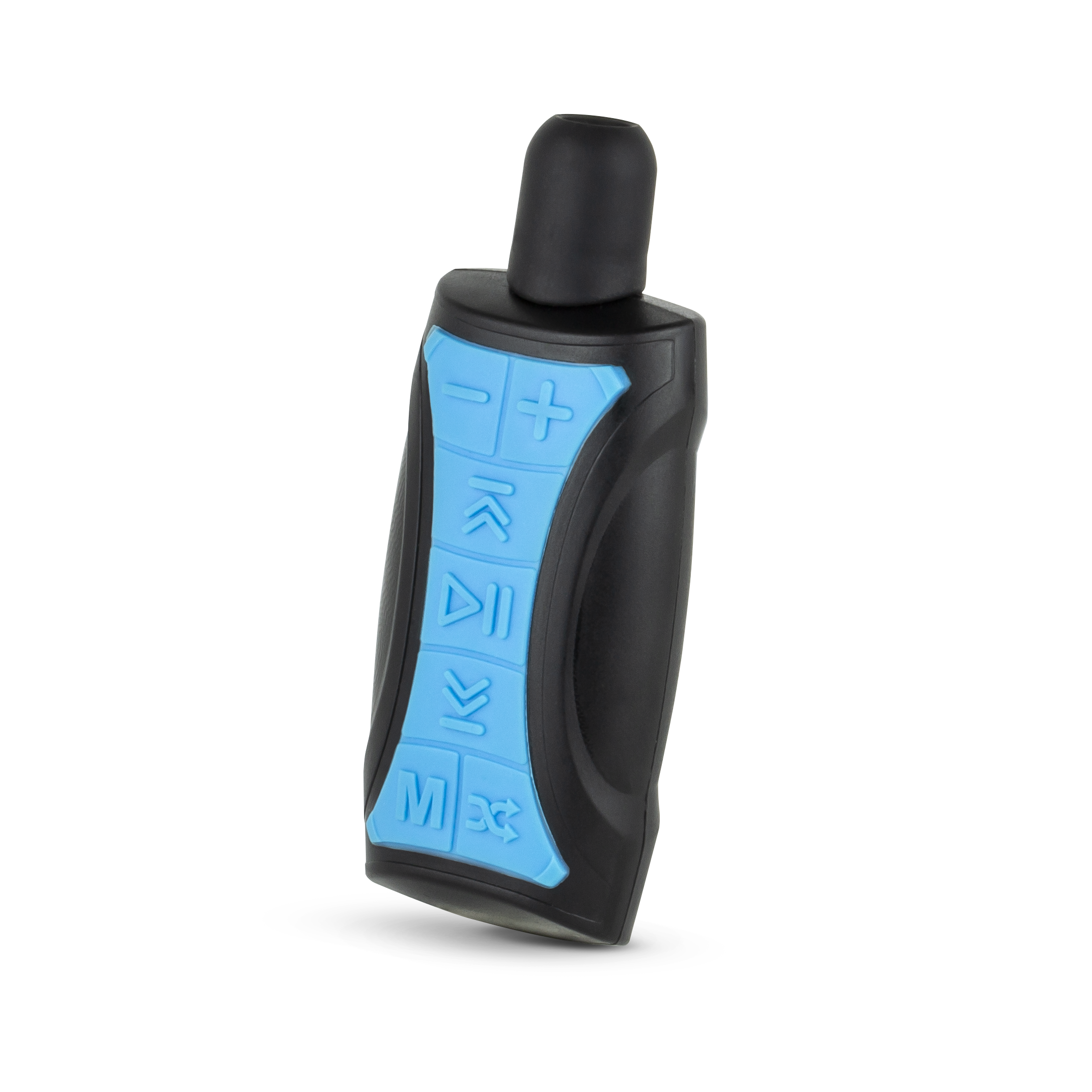
your headphones
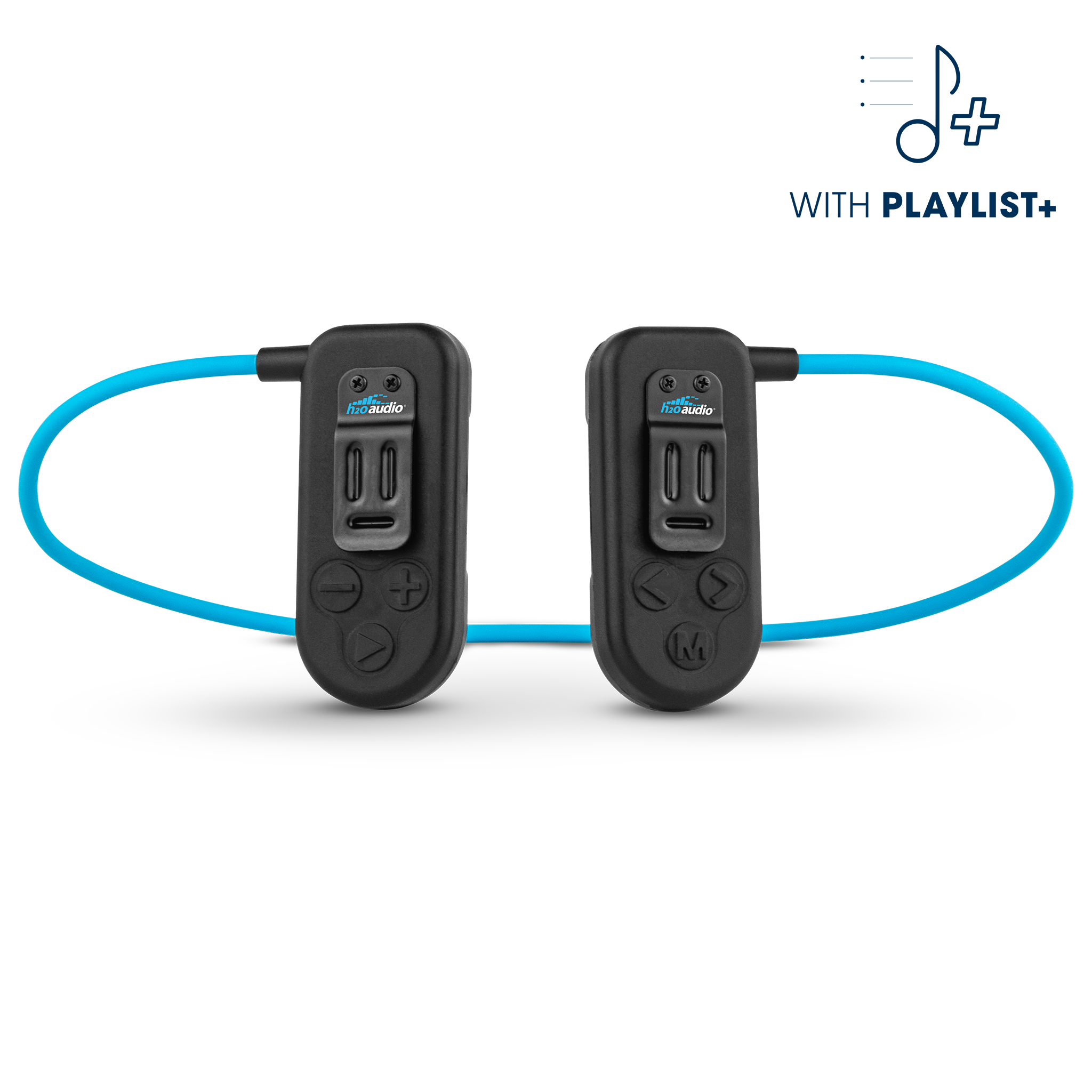
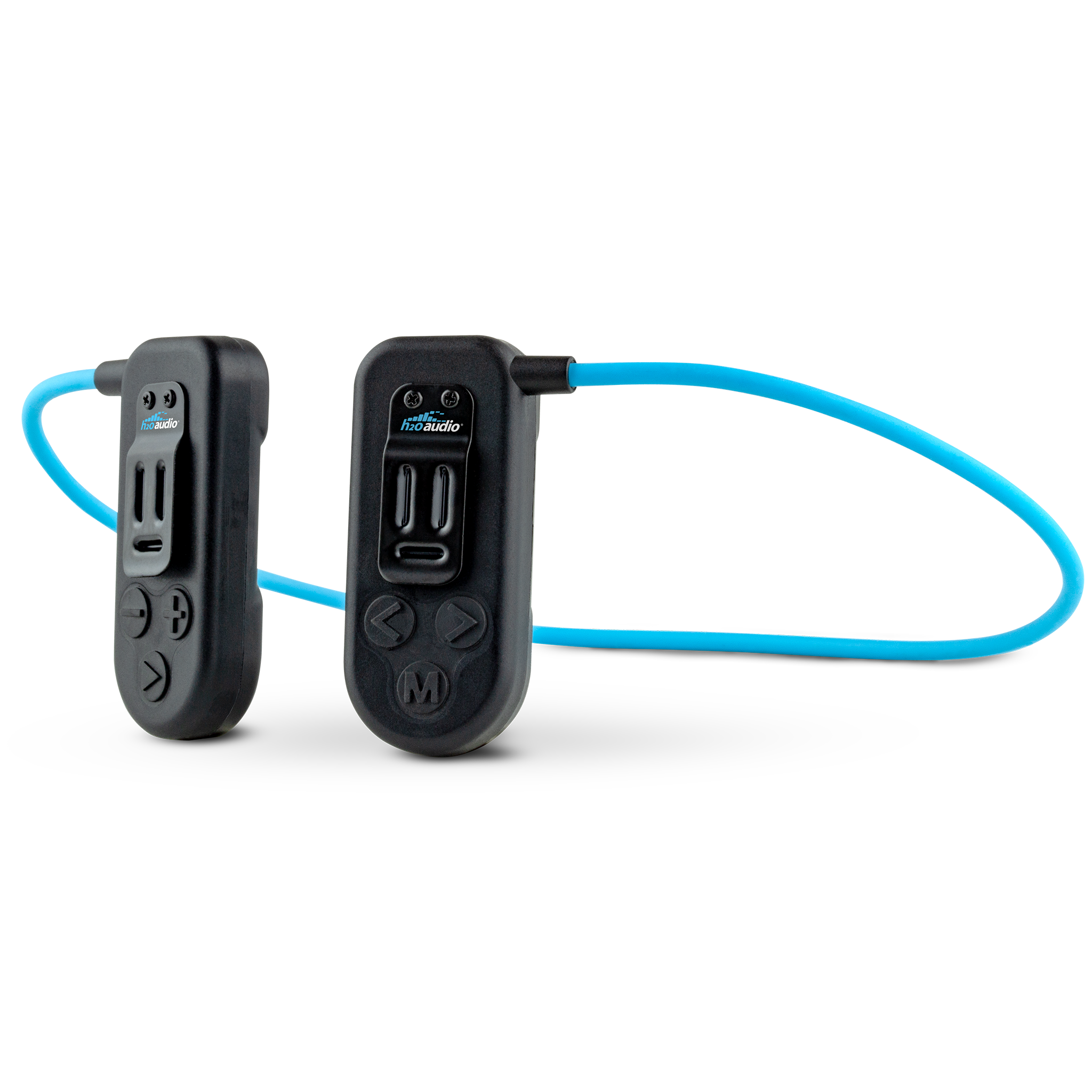
Connect via USB. The app detects your device and lights up the Sync button.

1-Click to Add
Music & Podcasts
Browse free tracks by genre or search podcasts. Select what you want on your
headphones.
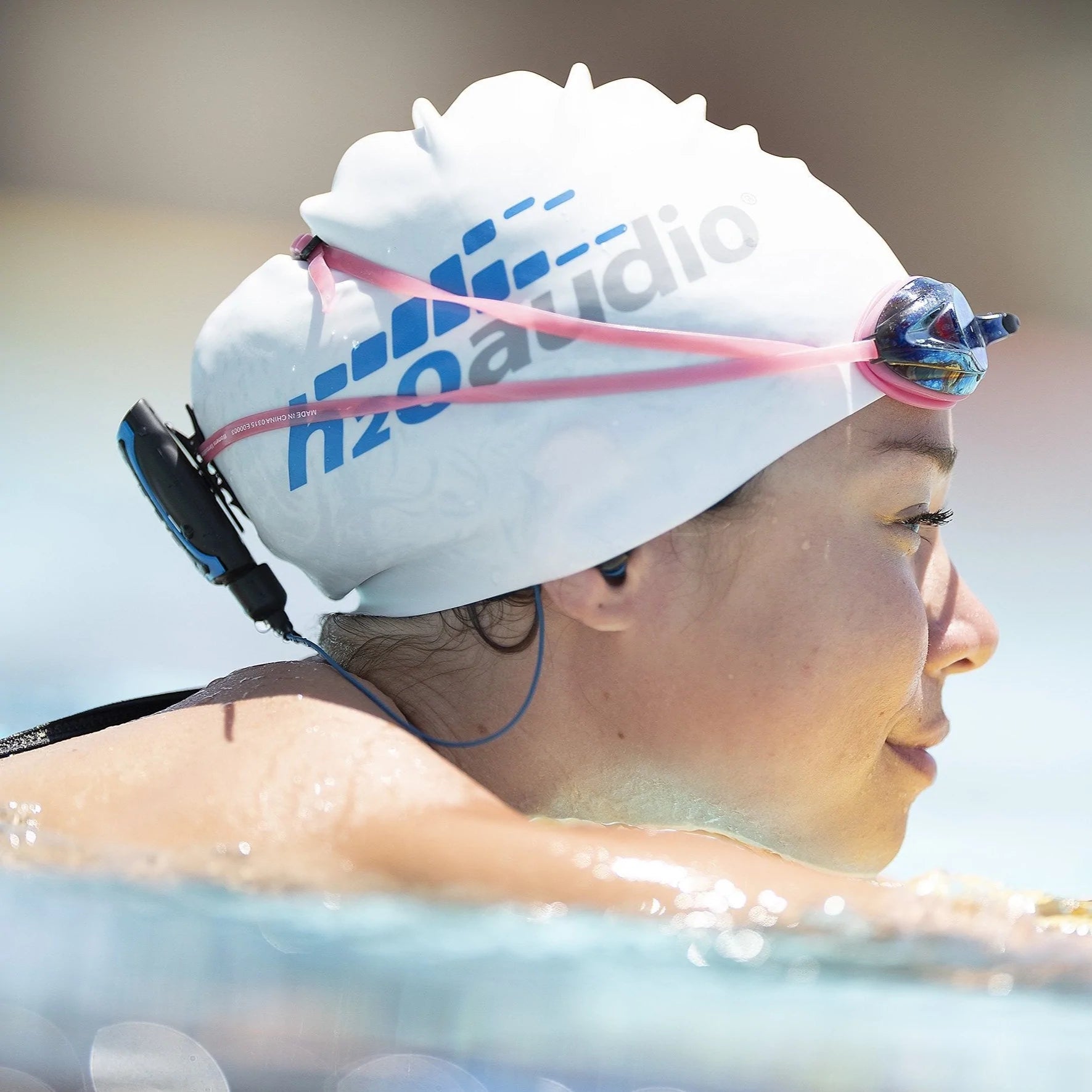
Jump in the water
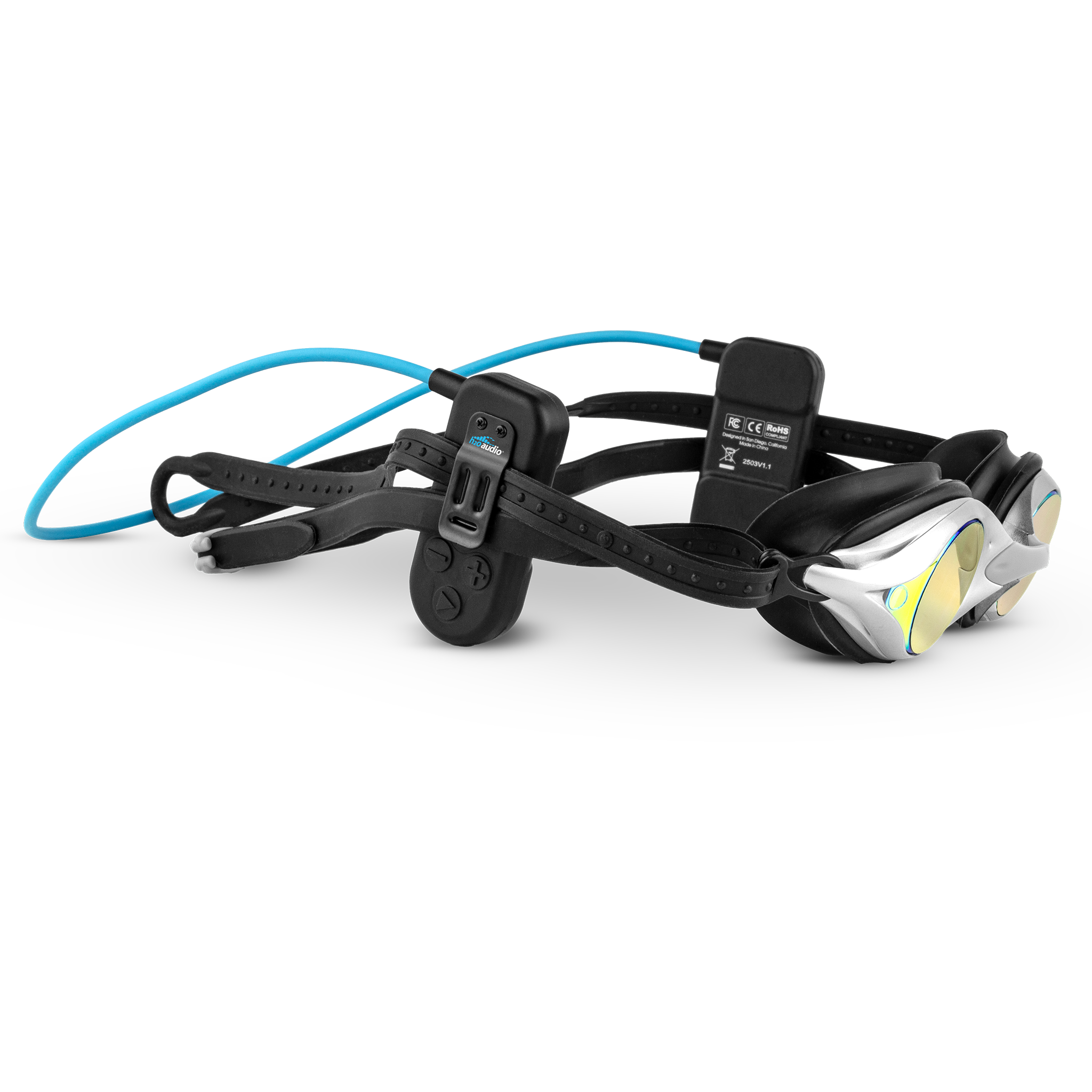
Your music is on the device. Eject, disconnect, swim.
Version 0.1 · Free · No account required